


The #1 Video Commerce platform making video shoppable
Increase Sales
Inspire Customers
Reduce Returns


150% increase in viewing time.

207% traffic goal. The event drove more than twice the expected site traffic.

477% ROI and 5000 likes.
4x
higher engagement than Instagram
3x
longer session time than traditional ecom
10x
higher conversion than traditional ecom



Get Started with
Video Commerce
Bring Your
Videos to Life
Forget static and boring product pages bring your products to life with shoppable video. Inspire your customers with interactive live shows or utilize your existing videos and make it shoppable.
Amplify Your
Engagement
Reach broader audiences by putting your brand experts front and center, answer customers questions and needs and deep dive into product specifications.
Monetize
Your Data
Get closer to your customer with shoppable video calls. Use your valuable customer data and offer a personalized shopping session to boost conversion.
See our Customers
in Action
Welcome to Bambuser Cinema

Cybex
Anoris T i-Size


Aime
Find the formula for you
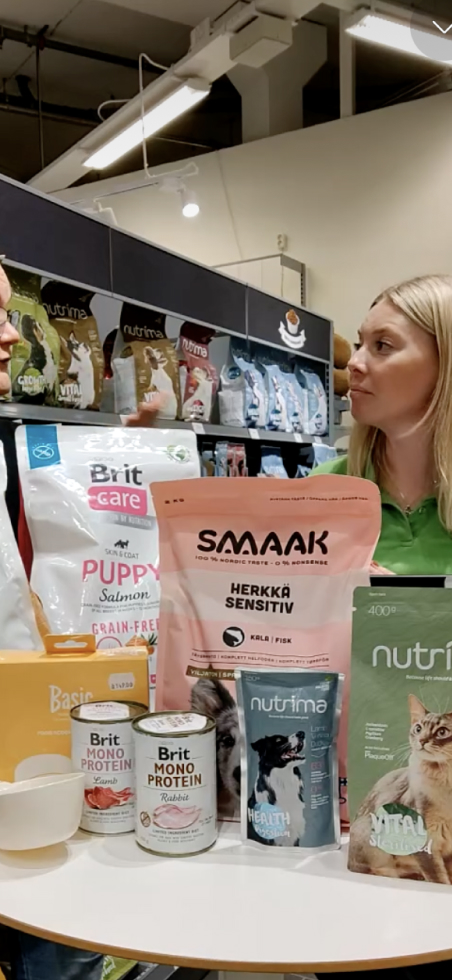
Arken Zoo
Hur väljer jag rätt foder? Vår näringsexpert svarar!

Printemps
Episode 39: Un Live Hors Paire

Pai Skincare
Booster Launches

WOW Concept
Celebra San Valentín con Nat Cebrián

Kappahl
Ny kollektion med Babblarna
.svg)
“We wanted a simple solution that was ready for operation. It had to be easy to prepare our shows and easy to go live.”
Yukiko Ikeda
Baycrew's
.svg)
“Our community expects an unparalleled digital experience. Bambuser helps us deliver unique and new experiences very easily.”
Nicola Antonelli
CMO, LUISAVIAROMA
One platform.
Unlimited potential.


10x Engagement with Social Video Commerce
Welcome infinite customers into highly engaging shoppable videos on your native site.
Explore One-to-Many
Increase Sales with Personalized Video Commerce
Invite customers into shoppable video calls to offer the attention and advice they get in store.
Explore One-to-One
Ready to reach all-new records?
Whether you’re 100% prepared to scale your e-commerce or need more info, Team Bambuser are ready to tailor to your perfect needs.
Request a Demo.webp)
